Leo · 2026-09
Camera storage plans fail in two directions: too little capacity for the retention window, or bays bought for cameras that never arrive. The arithmetic that prevents both is short — multiply the camera count by the encoder bitrate and the retention window, then divide by eight to convert bits into bytes. A NAS for video surveillance retention needs roughly 82.9 TB of usable space for 64 cameras recording continuously at 4 Mbps over 30 days, which is why bay count and drive capacity, not camera count, usually decide the appliance.
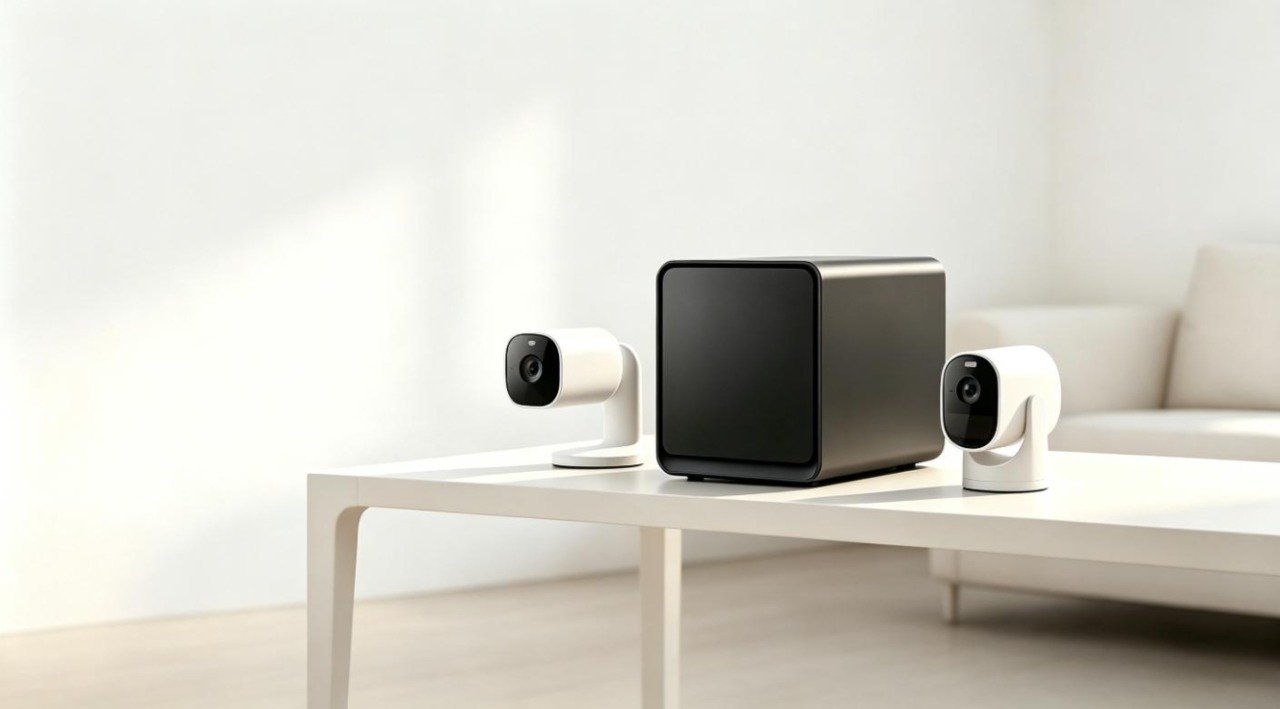
Camera fleets grow quietly. A site starts with four cameras and a one-week buffer, then adds cameras for a new gate, extends the window because an incident review needed footage from three weeks earlier, and upgrades two positions from 1080p to a 4K sensor. Each change multiplies the storage requirement, and none of them arrives as a storage project with a budget attached. Planning a NAS for video surveillance retention therefore starts with the window and the stream, not with the hardware catalog.
This article sets out the calculation, the RAID overhead that sits on top of it, the network assumptions that come with the plan, and how to match the result to an appliance that will still fit in three years.
Two sites with the same eight cameras can need entirely different appliances. A retail back office keeping seven days of event-triggered 1080p clips — averaging about three hours of recorded motion a day at 2 Mbps — stores roughly 19 GB per camera, or about 150 GB across the site. A distribution yard keeping 30 days of continuous 8 Mbps coverage at the same eight positions stores about 2.6 TB per camera, which is more than a hundred times as much for the identical camera count.
That gap is why the retention window deserves the first conversation. It is rarely an IT decision: an insurer may require a minimum period, a guarding contract may specify it, and an operations manager may simply want a month of history after learning that a review can arrive late. Whatever sets it, the window translates directly into drives, bays and cost — and it is the one variable a buyer can usually negotiate, because footage that is never reviewed still consumes capacity every day.
Consider the shape of the problem in practice. If you are the facilities lead for a three-building campus with 48 existing cameras and a new requirement for 30-day retention, the honest first question is not which appliance to buy but whether every camera needs the full window. Splitting the fleet — continuous 30-day coverage at gates and loading docks, 14-day coverage in corridors, event-triggered recording in low-traffic areas — routinely changes the answer from two appliances to one before a single quotation is requested.
The arithmetic starts from the stream, not the sensor. Bits per second multiplied by seconds multiplied by cameras gives total bits; divide by eight for bytes, then by 1012 for terabytes. For continuous recording the whole expression collapses to a shortcut: usable TB = cameras × bitrate in Mbps × days × 0.0108.
Worked example: a 16-camera installation running continuous 4 Mbps streams with a 30-day window needs 16 × 4 × 30 × 0.0108 = 20.7 TB of usable space. Extend the window to 60 days and the figure doubles to 41.5 TB. Add eight more cameras at the same bitrate and window and it rises to 31.1 TB. Every variable scales linearly, which is what makes the calculation reusable: change one number and the storage figure moves in proportion.
| Cameras (continuous 4 Mbps) | 7-day window | 14-day window | 30-day window |
|---|---|---|---|
| 8 cameras | 2.4 TB | 4.8 TB | 10.4 TB |
| 16 cameras | 4.8 TB | 9.7 TB | 20.7 TB |
| 32 cameras | 9.7 TB | 19.4 TB | 41.5 TB |
| 64 cameras | 19.4 TB | 38.7 TB | 82.9 TB |
Figures above are usable capacity before any RAID overhead, calculated with the formula in this section. Note the doubling pattern: doubling the camera count, the bitrate or the window doubles the requirement, and doubling two of them multiplies it by four. That is why a small change to a retention policy is rarely a small change to a bill of materials.
Bitrate is the number the recorder actually stores, and it is set in the camera’s encoder, not in the appliance. Two cameras with the same sensor can produce very different loads: a fixed high-quality profile can run at three or four times the bitrate of a smart codec that lowers quality when the scene is static. When you ask a vendor for a bitrate, ask for the configured average per camera in the profile you will actually deploy, not the maximum the encoder supports.
The codec choice is decisive at the same quality target. H.265 was designed to deliver comparable visual quality at roughly half the bitrate of H.264 in typical deployments, and the standard is published by the ITU-T as Recommendation H.265. Halving the bitrate halves the storage figure in the formula above, which is the single largest lever available before cameras are even purchased.
Recording mode then applies a multiplier of its own. Continuous recording stores 24 hours a day. Event-triggered recording stores only the intervals where motion was detected, so a camera that averages three hours of activity a day needs one eighth of the capacity: 4 Mbps continuous is 43.2 GB per camera per day, while the same camera on three active hours a day averages 43.2 × 3 ÷ 24 = 5.4 GB per day. Scheduled recording sits between the two. The trade-off is explicit — less footage means less evidence after an incident, so the decision belongs to the site operator rather than to whoever is holding the quotation.
Raw capacity is not the number to plan against. With four 30 TB drives the chassis holds 120 TB raw, and the protection level decides how much of it can hold footage: usable capacity is the raw figure multiplied by the number of drives minus the drives given up to protection.
| Layout (4 bays, 30 TB drives) | Raw capacity | Usable capacity | Failure tolerance |
|---|---|---|---|
| RAID 0 (striped) | 120 TB | 120 TB | None — a single failure loses the array |
| RAID 1 (mirror pair) | 60 TB | 30 TB | One drive per pair |
| RAID 5 | 120 TB | 90 TB | One drive |
| RAID 6 | 120 TB | 60 TB | Two drives |
| RAID 10 | 120 TB | 60 TB | One drive per mirrored pair |
Return to the 64-camera example: 82.9 TB of usable space fits inside the 90 TB that RAID 5 leaves on four 30 TB drives, with about 7 TB of headroom for growth in bitrate or camera count. The same footage does not fit in RAID 6, which leaves 60 TB. The options at that point are to shorten the window, reduce the bitrate, or move to a configuration with more capacity — and it is far cheaper to make that decision during planning than after the drives are installed.
Serviceability belongs in the same conversation. Tool-free hot-swap trays and per-bay activity indicators mean a failed drive can be replaced without downtime or tools, which is decisive for a system whose whole purpose is continuous recording. Confirm the RAID levels the platform supports in firmware before purchase rather than assuming the full set is available: protection levels are firmware dependent.
The honest answer is that camera count is an output of the arithmetic, not an input. A platform that is positioned for 16 to 64 IP cameras at 30-day retention implies a storage and throughput envelope rather than a hard ceiling. When a supplier states a deployment range, treat it as a positioning statement and check it against your own formula: 64 cameras at 4 Mbps and 30 days lands at 82.9 TB, which is the number that decides whether four bays are enough.
That is how woCyber describes the X4 four-bay enterprise NAS server — a recording back end for 16 to 64 IP camera deployments, alongside departmental file service for 20 to 200 seats, with Intel N100, up to 120 TB raw and RAID 0/1/5/6/10. Reading a published range that way keeps a tender honest: the requirement is the usable capacity and the sustained write load, and the model is whichever platform satisfies both. Integrators building the same hardware under their own brand can start from the published platform line-up and confirm reconfiguration scope through the OEM / ODM program, which begins at 100 units per SKU for an existing platform.
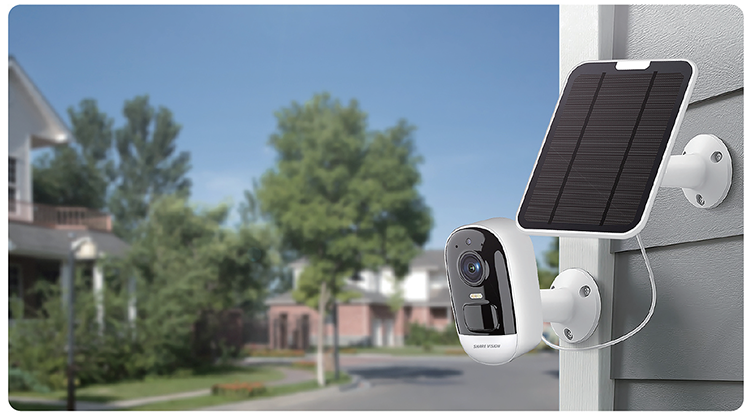
Smaller sites have a different profile. The AiNAS Security Kit platforms combine an edge NVR and private-cloud storage in one appliance, classify people, vehicles and pets on the device with a published false-alarm rate below 3 percent, and support configurable 7, 14 or 30-day retention with a mix of event-triggered and continuous loop recording — sufficient for a small commercial site where a single appliance has to cover both cameras and file sharing. Camera onboarding runs over ONVIF with PoE IP cameras, and pairing can be done by scanning a code rather than configuring each camera by hand. Disk count for that platform is not published, so treat the retention tier as the configuration question and confirm capacity with the supplier, which is where the S1 security kit page is the right starting point.
Live streams consume bandwidth before they consume storage, and the total is simply additive: 64 cameras at 4 Mbps produce 256 Mbps of aggregate live traffic. A single 2.5GbE port carries 2.5 Gbps nominally, so the camera feed itself fits with room for the write path, remote viewing and file access — and the X4 offers two 2.5GbE ports with link aggregation up to 5 Gbps for concurrent multi-user workloads.
Interoperability keeps the camera decision open. ONVIF is the profile standard that lets third-party cameras and recorders work together, and the ONVIF profile specifications are the reference for what a device has to support. Choosing ONVIF cameras and PoE power means one cable per camera carries both data and power, which simplifies installation; confirm that the PoE budget sits in the switch rather than assuming it comes from the recorder.
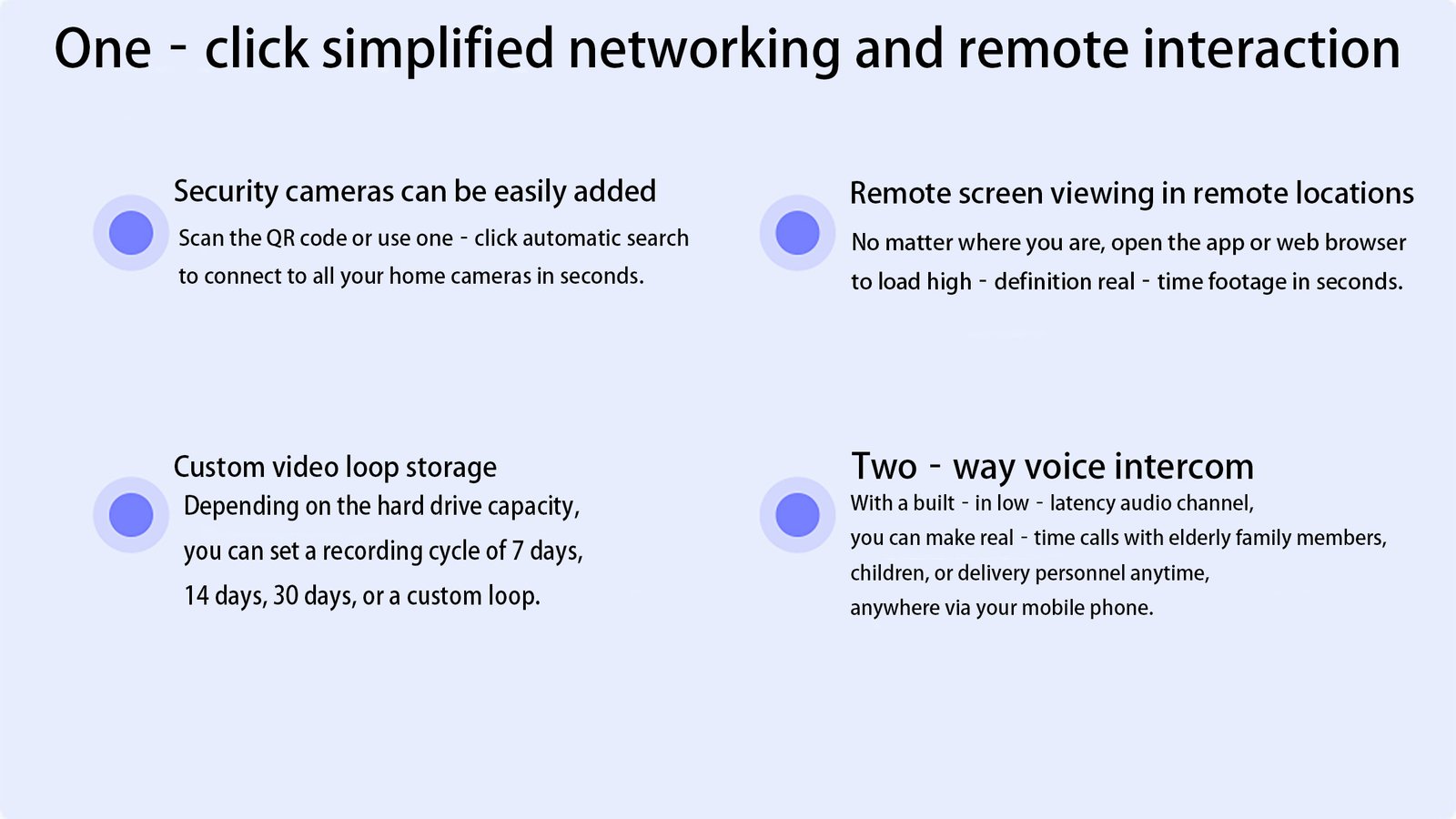
Retention is a business decision with a storage price tag, and it is usually set by an operator, an insurer or a contract rather than by the recorder. The published 7, 14 and 30-day configurations on the surveillance platforms are starting points that map to common requirement levels — long enough for most incident reviews, short enough to keep capacity predictable. Where footage may contain personal data, the retention period and who can access it are also questions for the site’s own compliance process, and any appliance that keeps footage local keeps those questions inside the operator’s own perimeter.
Write the decision down in three lines: the window per camera group, the recording mode per camera group, and the bitrate assumed in the calculation. Those three lines let any supplier — and any successor in your own team — reproduce the capacity figures without renegotiating the requirement.
At 4 Mbps continuous recording, 16 cameras over 30 days need about 20.7 TB of usable space using the shortcut cameras × bitrate × days × 0.0108. At 2 Mbps the figure halves to roughly 10.4 TB, and at 6 Mbps it rises to about 31.1 TB. RAID overhead is added on top of these numbers.
It can, and the four-bay platform is positioned for both roles. Keep surveillance on its own volume or share so a camera write burst does not compete with office file access, and confirm that the retention window still fits after the file share has taken its capacity from the same pool.
No. RAID protects against a drive failure, not against deletion, ransomware or a failed appliance. Continuous recording overwrites the oldest footage as the window rolls, so anything with value beyond its retention period should be exported or copied elsewhere before it ages out of the array.
Three levers, each measurable in the same formula: keep a long window only where it is required and a shorter one elsewhere, move low-traffic cameras to event-triggered recording, and check the encoder bitrate rather than the sensor resolution. Bitrate is what gets stored, so it is the lever with the fastest effect.
Usually yes, and it is the lower-risk sequence: buy the chassis that will hold the final drive count, then populate it in stages. Tool-free hot-swap trays allow capacity expansion and drive replacement without downtime or tools. Check the published maximum capacity per platform before choosing the starting model.
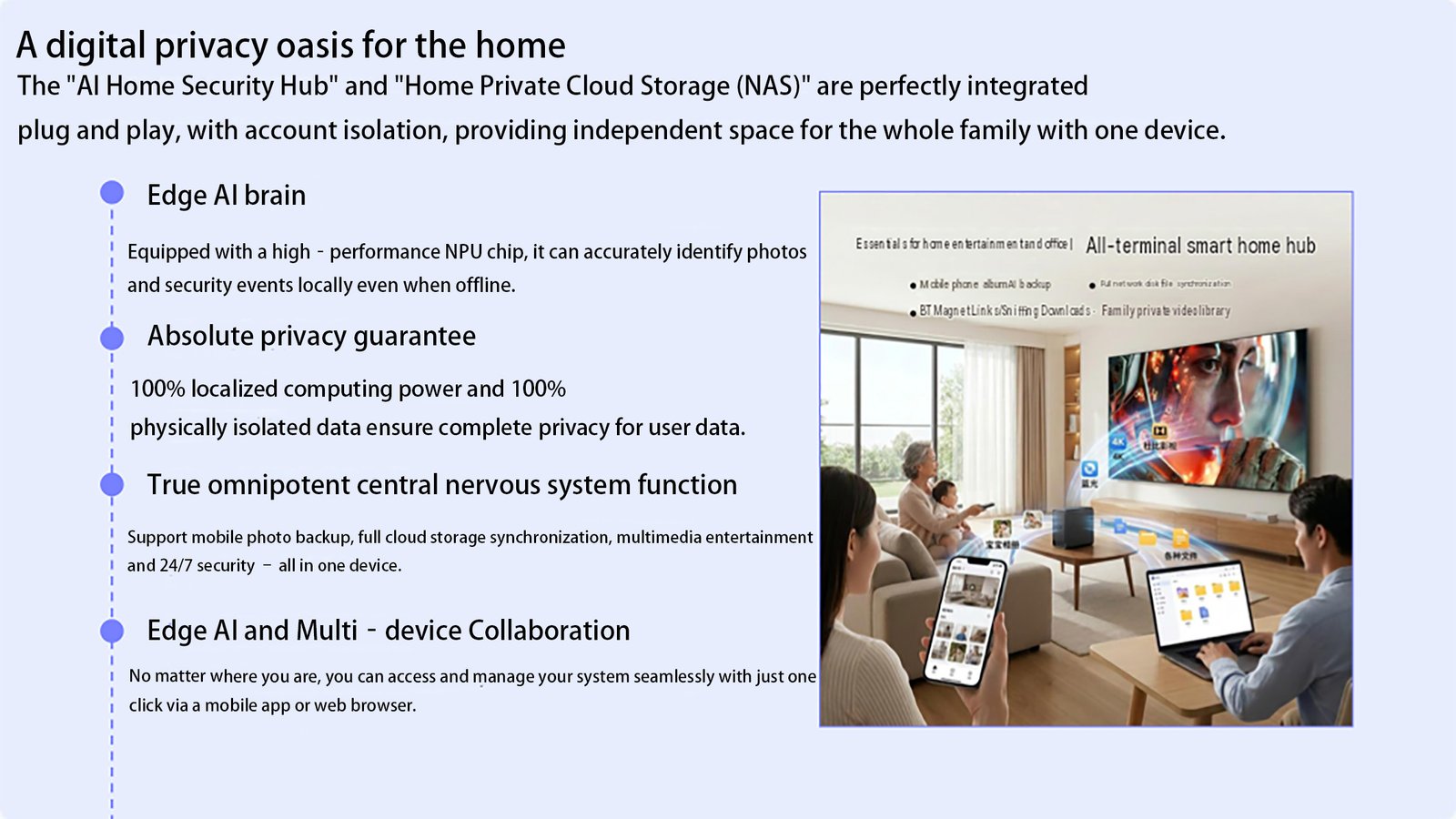
S1 combines an edge AI NVR and private-cloud NAS in one appliance: person, vehicle and pet detection with a false-alarm rate below 3%, 100% local computation and no subscription.
White Label NAS Program for Regional Distributors: SKU Ladder, Branding Rights and Launch Costs A white label NAS for regional distributors is…
October 1, 2026Retail NAS SKU for Big Box Channel Partners: How Retailers Specify a Storage Line A retail NAS SKU for big box channel…
September 30, 2026NAS Manufacturing USA: Sourcing Guide for 2026 Brands Most NAS manufacturing USA comparisons start with the assembly line. The invoice disagrees. On…
Ask our export team for the OEM/ODM cooperation guide and a written quotation.