Leo · 2026-09
Cloud storage feels too expensive when the bill scales with seats instead of with the data a team actually stores. An on-premises NAS changes that payment structure: the hardware is bought once, usable capacity is set by the drives installed, and no per-user subscription is required for the device to serve files.
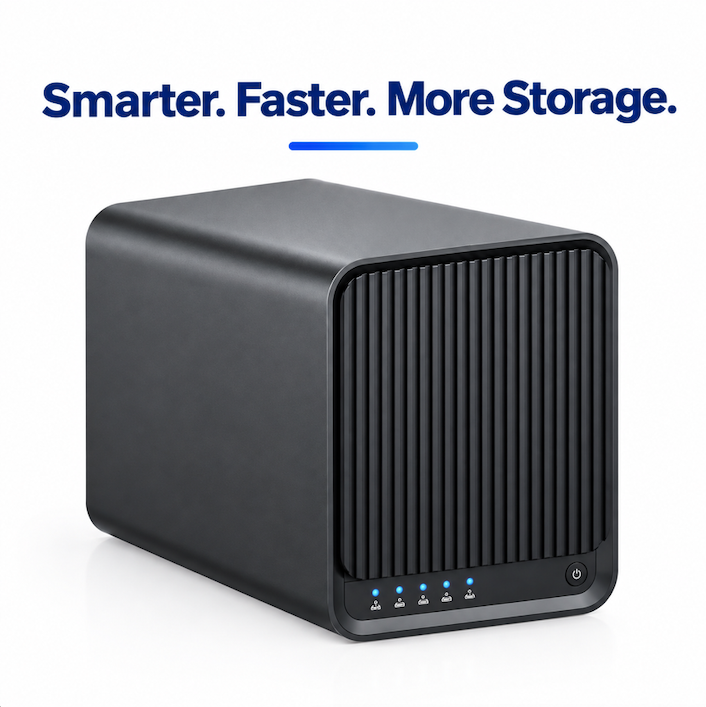
Subscription storage is priced per seat, per plan tier, per month, so the bill tracks headcount rather than terabytes. A ten-person team that adds five people and doubles its archive can watch the invoice grow in two directions at once, while a team that stores less than its plan allows still pays for every seat it has provisioned. Teams that end up searching for cloud storage too expensive are usually describing the pricing model rather than the storage technology itself.
Providers publish their own plan structures, and those published tiers are the only reliable starting point for a comparison. Per-seat services such as Dropbox publish their plans on their own pricing pages, and usage-based services such as Amazon S3 publish per-gigabyte and per-request rates on theirs. Both change over time, so a cost comparison should be run against the provider’s live page on the day of the analysis rather than against any figure quoted in an article.
The second pressure is renewal. Plans get re-priced and re-tiered at renewal, and the decision a small team actually faces is whether to accept the new per-seat rate, reduce capacity, or move the bulk of the archive somewhere the cost does not repeat every month.
A per-seat cloud plan is the right choice when the team is distributed, has nobody to administer hardware, and needs files available from anywhere without maintaining a device. Remote-first companies, short-lived project teams and organizations with no fixed site gain more from the provider’s convenience than they lose to the recurring fee.
The calculation changes when the workload is a growing archive attached to a fixed location: media libraries, engineering drawings, scanned records, design revisions and camera footage. That profile is mostly read-heavy, location-bound and long-retention, which is the opposite of what per-seat pricing rewards.
Four things change when storage moves on-premises: the payment model, the way capacity grows, the per-user allowances, and who administers the data.
The payment model. The appliance is bought once. woCyber, the export brand of a Beijing-based storage hardware manufacturer with mass production in Shenzhen, publishes an own-brand storage program starting at 100 units per model. No mandatory cloud subscription sits between the hardware and the files: the platforms run a local-storage architecture, and any service layer sold on top of them is the seller’s commercial decision rather than a technical requirement.
How capacity grows. Capacity is decided by the drives installed, not by a plan tier. The four-bay X4 supports up to 120 TB raw across four tool-free hot-swap bays, the two-bay S2 supports up to 60 TB raw, the two-bay A2 Pro supports up to 48 TB raw, and the single-bay A3 Pro supports up to 30 TB raw. Adding space means adding or replacing a drive rather than moving to a larger plan.
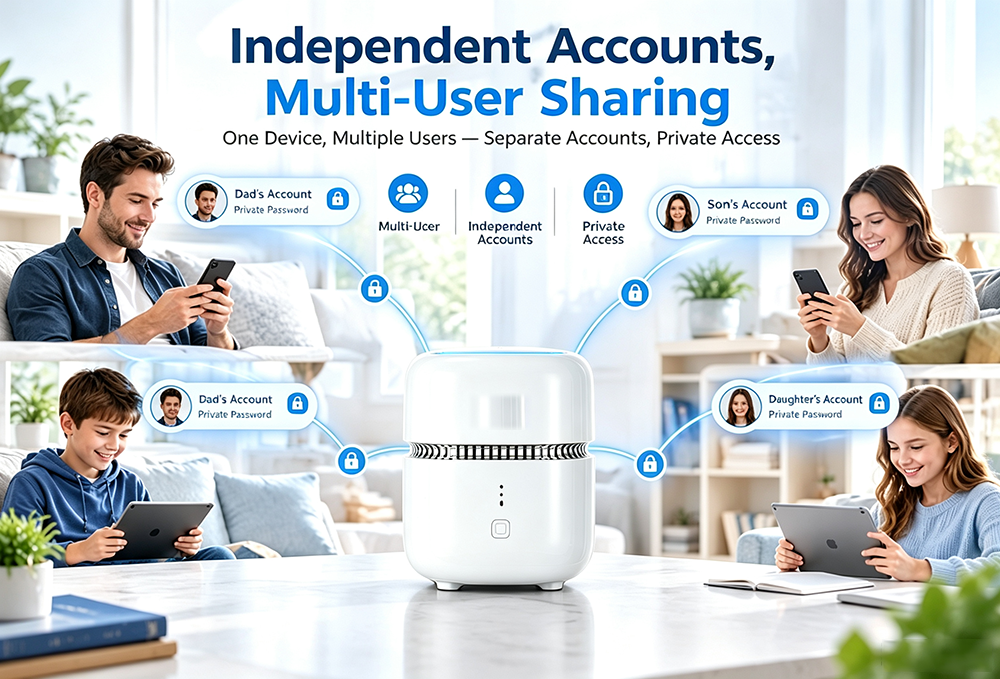
Per-user allowances. Storage is shared from one pool instead of being allocated per seat. The S1 AiNAS Security Kit applies the same principle to people: each member receives isolated storage space on the same appliance, and camera recordings live alongside file storage instead of in a separate paid service.
Who administers the data. An on-premises appliance is administered by the owner’s own staff. That is an advantage when data has to stay on the premises, and a real cost when nobody wants the job, which is why administration time belongs in the comparison rather than in a footnote.
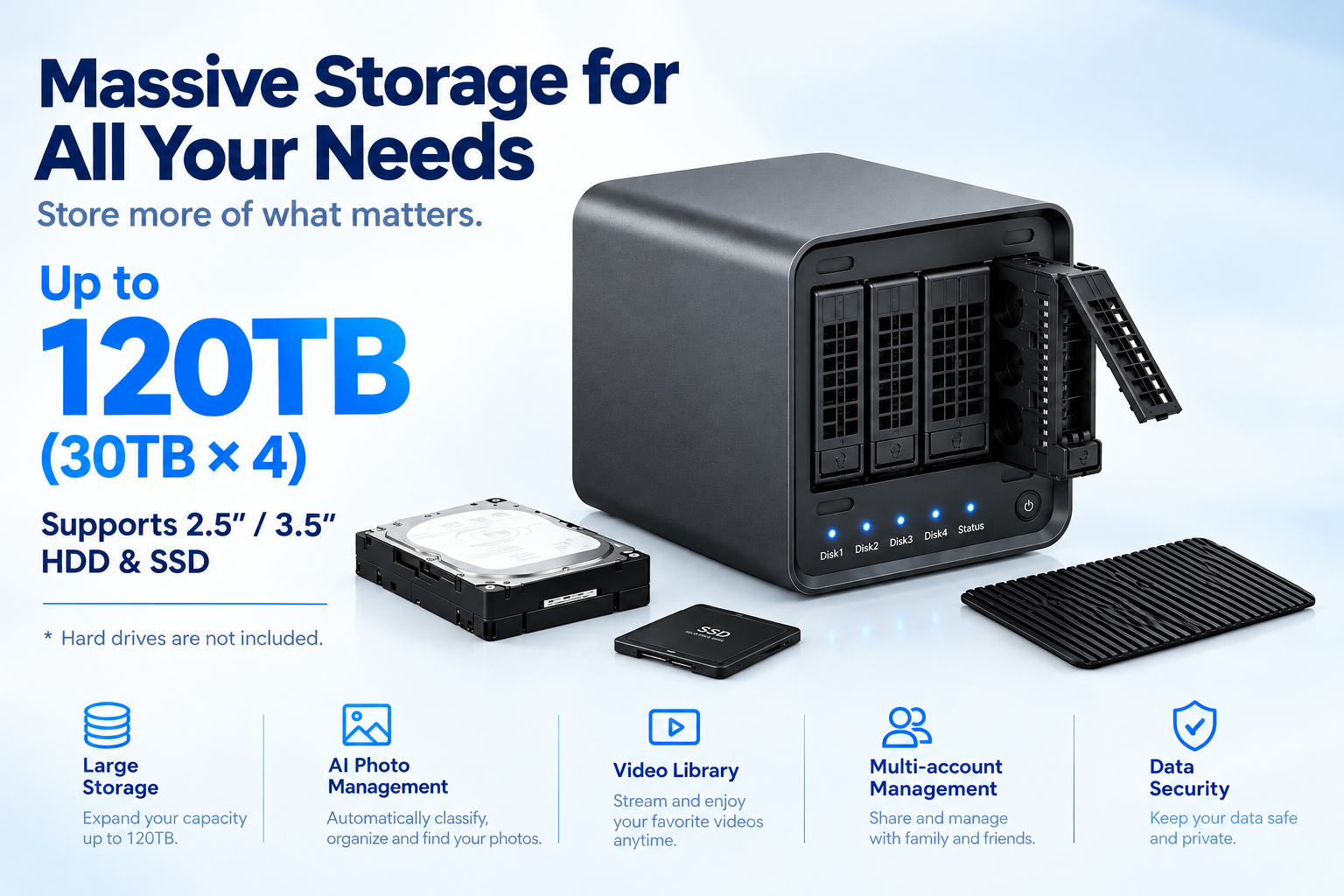
Only two of the eight factors below are about money; the rest concern what happens to capacity, access and control over the life of the deployment. If the trigger for the review was cloud storage too expensive to keep renewing, model three years rather than one, because a single-year comparison hides the renewal step.
| Decision factor | Per-seat cloud subscription | Buyout on-prem NAS |
|---|---|---|
| How the cost is charged | Recurring per seat, per plan tier, per month | One-time hardware and drives, no recurring device license |
| What drives the bill up | Headcount, plan tier and storage add-ons | Drive capacity and the redundancy configuration chosen |
| Year two and year three | Repeats unless the plan is reduced | Repeats only for drives, power, backup targets and replacement parts |
| Growing capacity | Move to a higher plan tier | Add or replace a drive in an existing bay |
| Per-user allowances | Set by the plan | Shared from one pool with per-account isolation |
| Who holds the data | The provider’s data centers | The owner’s premises, with remote access over the network |
| If payment stops | Access follows the provider’s terms | The appliance and the drives remain on site |
| Who administers it | The provider | The owner’s own staff |
The table does not say which column is universally cheaper. A single-bay A3 Pro sized for a small archive is a smaller commitment than a multi-year per-seat contract only if the archive keeps growing; a three-person team working entirely remotely may never reach that crossover point at all.
Size from the data that already exists, then add redundancy and a second copy. Measure current used space, add the annual growth rate multiplied by the number of years the archive must stay readable, and choose the number of bays that holds that total with drives available today.
Raw capacity and usable capacity are different numbers. RAID 1, RAID 5, RAID 6 and RAID 10 spend drive capacity on redundancy: the X4 supports Single, JBOD, RAID 0, RAID 1, RAID 5, RAID 6 and RAID 10 configurations, and the two-bay A2 Pro mirrors one drive to the other for RAID 1 protection. A four-bay array rated at 120 TB raw does not present 120 TB of usable space once redundancy is configured.
Network speed decides how painful the first copy is. A 2.5GbE port moves a large archive faster than a gigabit port, which matters when the initial transfer is measured in terabytes: the S2 carries one 2.5GbE port, the X4 carries two 2.5GbE ports with 802.3ad link aggregation and failover for up to 5 Gbps of aggregated bandwidth, and the A2 Pro and A3 Pro each carry one GbE port.
Transcoding and network ports are the two items worth planning at the start rather than retrofitting. The X4 is an Intel N100 platform with hardware 4K transcoding and containerized application support, and its reconfiguration scope covers RAM up to 16 GB, eMMC up to 128 GB, 1GbE, 2.5GbE or 10GbE port mixes and an optional NVMe cache slot.
Camera footage is often the part of a subscription that is hardest to justify, so it belongs in the same comparison. An appliance that records IP cameras locally removes the per-camera cloud charge, provided the cameras speak an open protocol: the S1 supports PoE IP cameras over ONVIF, classifies people, vehicles and pets on the device with a false-alarm rate below 3%, and keeps recordings under 7, 14 or 30-day retention policies with 100% local computation.
The ONVIF interoperability profile is the reason the camera choice stays open. It is maintained by the ONVIF standards body and allows recorders and cameras from different vendors to work together, which is what stops a storage decision from turning into a camera-vendor decision.
The costs most often left out of an on-premises comparison are the ones below, and each belongs in the model.
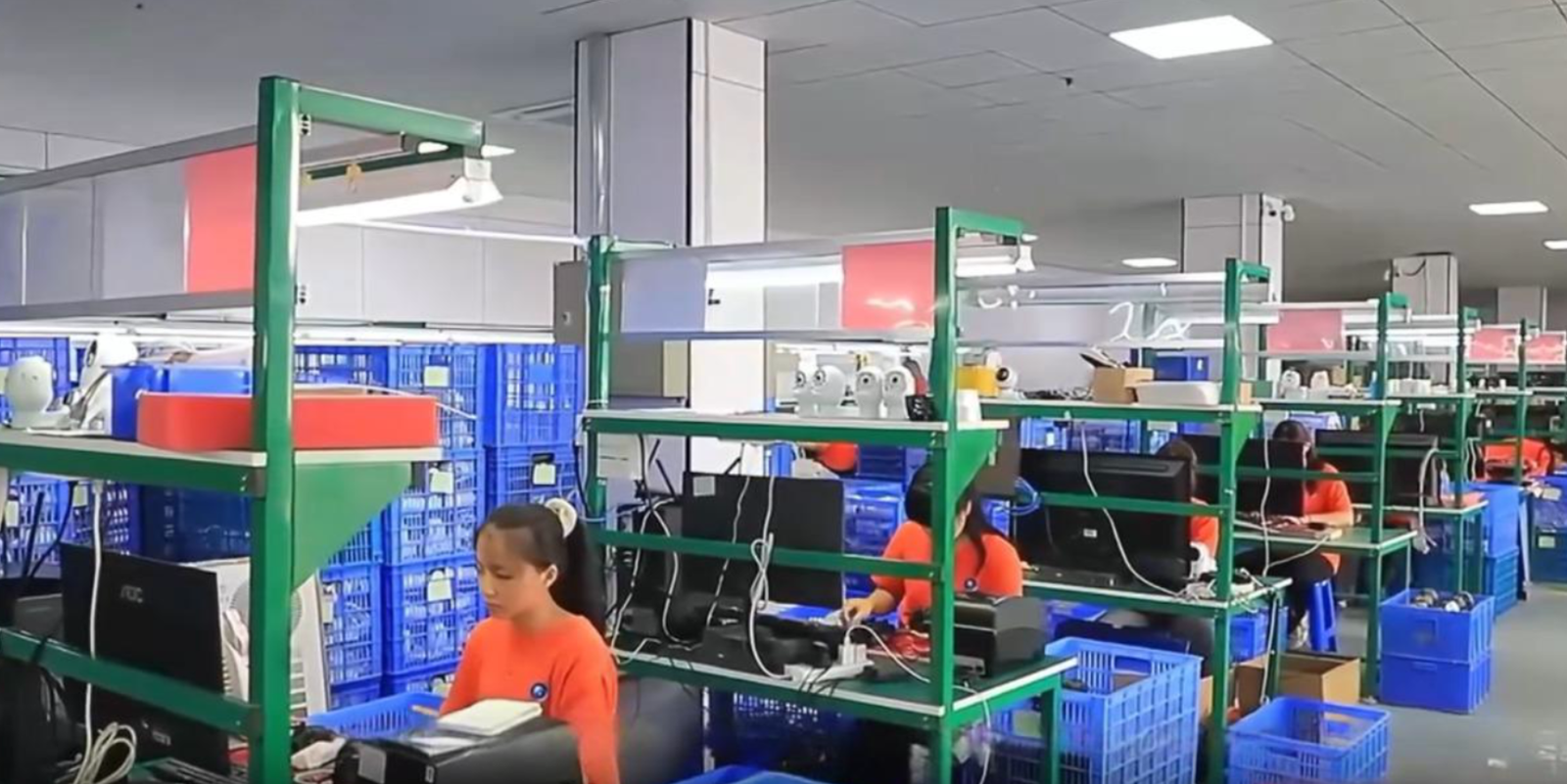
Distributors, integrators and brands that intend to resell the appliance need a rebrandable platform rather than a consumer product, and that changes what belongs in the quotation. A four-bay unit with hardware transcoding and 2.5GbE networking covers the small-business file server, media archive and surveillance back-end slot; companies that need a documented platform specification before committing can start from the woCyber X4 product page and confirm the reconfiguration scope on the OEM/ODM services page. Reconfiguration starts at 100 units per model, which is what makes a mid-range SKU testable before a full container order. The full platform line-up covers one-bay to four-bay configurations, so a distributor can build a price ladder from a single supplier relationship.
The comparison turns on growth. A per-seat plan charges every month for every user, while a buyout appliance charges once for hardware and again only when capacity is added. Teams whose archive grows faster than their headcount usually reach the crossover sooner.
The appliance is one line of the comparison and the drives are another. woCyber does not publish unit pricing because configurations vary; the program minimum is 100 units per model. For cloud services, use the provider’s published rates on the date of your analysis, since tiers change.
Yes, and a hybrid arrangement is common. The appliance holds the working archive locally, while a cloud bucket holds only the critical subset as an off-site copy. The S1 also supports optional synchronization with OneDrive and Google Drive for files that must leave the building.
The platforms use a local-storage architecture with no mandatory cloud subscription, so files remain readable on the device without a recurring payment. Firmware is delivered through the update channel configured for the product, so confirm the update policy with the supplier before purchase.
Start from current used space plus expected annual growth multiplied by the retention period, then add redundancy overhead. Choose the bay count that holds that result with drives available today, because replacing drives later costs far less than replacing the appliance itself.
Whether you need surveillance storage, private cloud for business data or an OEM/ODM partner, our export team will map the right platform to your application — reply within one working day.
White Label NAS Program for Regional Distributors: SKU Ladder, Branding Rights and Launch Costs A white label NAS for regional distributors is…
October 1, 2026Retail NAS SKU for Big Box Channel Partners: How Retailers Specify a Storage Line A retail NAS SKU for big box channel…
September 30, 2026NAS Manufacturing USA: Sourcing Guide for 2026 Brands Most NAS manufacturing USA comparisons start with the assembly line. The invoice disagrees. On…
Ask our export team for the OEM/ODM cooperation guide and a written quotation.